
Backlinks are one of the powerful ranking factors in Google’s algorithm. Even your content is best but if you’ve not added any backlinks, then your website will not be ranked. That’s the main reason why backlinks are much more essential if you need to make organic traffic and domain authority as well.
This post will show you real, useful, and easy-to-follow strategies to locate your existing backlinks, look at them, and use that information to make your SEO approach better.
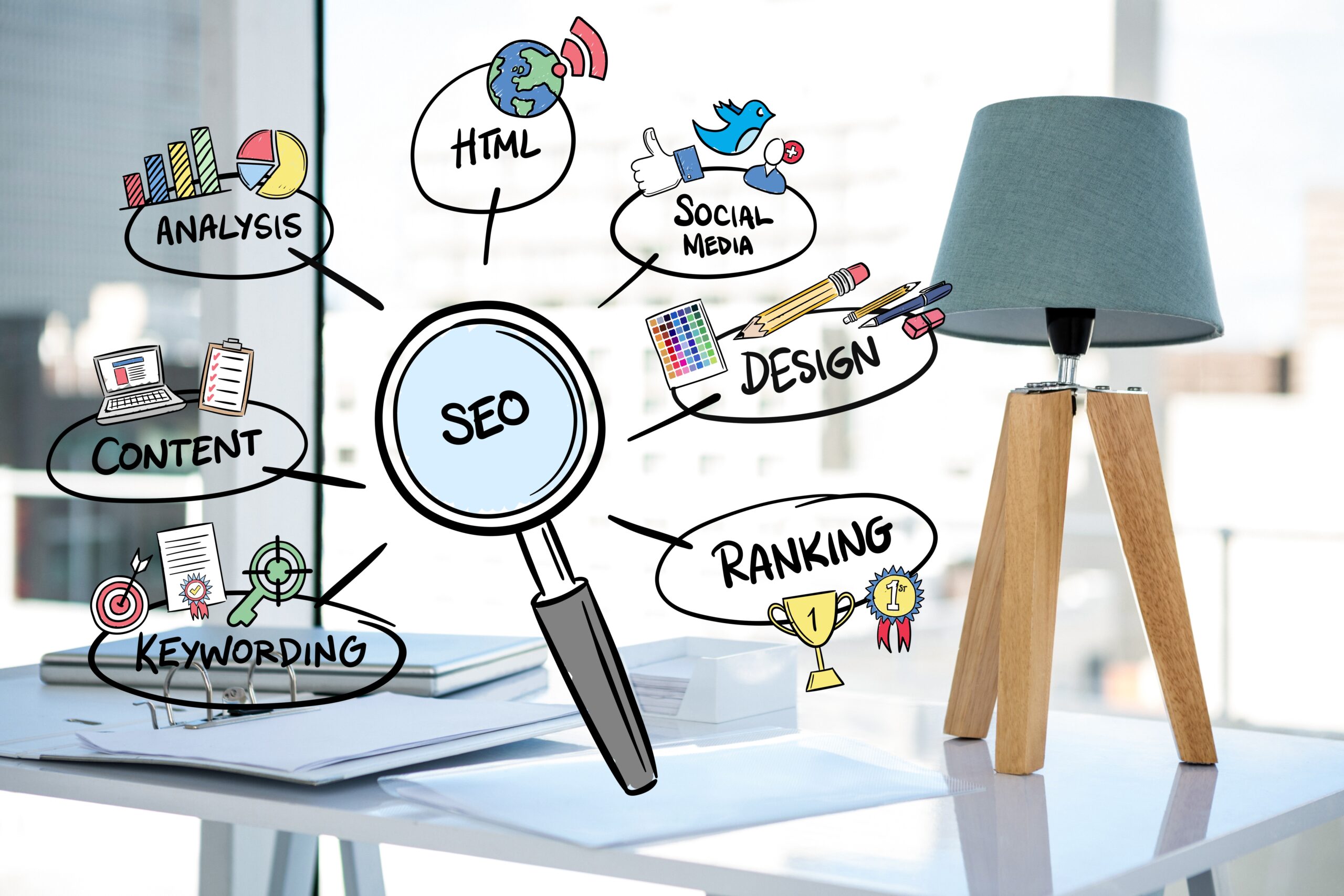
A backlink is a link from another website that points to your website. Google treats backlinks like “votes of trust.” When a reputable website links to you, it signals to search engines that your content is valuable and trustworthy.
That’s why every serious website owner must know how to find backlinks to your site and track them regularly.
Many people focus only on building backlinks but ignore tracking them. This is a mistake.
Tracking backlinks helps you:
Before building new links, you must first understand your current backlink profile.
Google Search Console is the most reliable free tool provided by Google itself.
Limitation:
It doesn’t show all backlinks, but it’s a solid starting point.
Professional SEO tools give deeper insights into your backlink profile.
Ahrefs is one of the most powerful backlink analysis tools.
You can:
Just enter your domain in Site Explorer.
SEMrush provides detailed backlink audits.
Key features:
This is especially useful for cleaning harmful links.
Moz is beginner-friendly and reliable.
It helps you:
Moz’s free version gives limited results but is still helpful.
If you’re on a tight budget, don’t worry. You can still find backlinks for free.
Try this search:
link:yourwebsite.com
This shows some websites linking to you (not complete, but useful).
Sometimes backlinks bring traffic.
Go to:
Google Analytics → Acquisition → Referral
You’ll see websites sending visitors to your site.
Finding backlinks is not enough. You must analyze them properly.
Quality matters far more than quantity.
Low-quality backlinks can hurt your rankings.
Use SEMrush or Ahrefs to find toxic links and then disavow them via Google Search Console if necessary.
One smart SEO trick is analyzing competitor backlinks.
When you see:
You can replicate and improve their strategies.
This is an advanced but very powerful method.
Once you know how to find backlinks to your site, use that data to grow.
Backlinks work best when combined with high-quality content.
Learning how to find backlinks to your site is not optional anymore — it’s essential. Whether you use free tools like Google Search Console or advanced platforms like Ahrefs and SEMrush, understanding your backlink profile gives you a serious SEO advantage.
Instead of blindly building links, focus on tracking, analyzing, and improving what you already have. With consistent effort and smart strategy, backlinks can push your website to the top of Google rankings — naturally and safely.